
Download HideMe VPN Pro – Free, Secure & Fast Virtual Private Network
Overview
HideMe VPN Pro is a versatile, security‑focused virtual private network application that lets you surf the web with a hidden IP address and complete anonymity. Designed for Mac users but also supporting Windows, Android, and iOS, the app encrypts every packet that leaves your device, shielding you from prying eyes, ISP throttling, and geo‑restrictions. Whether you want to binge‑watch a series that’s blocked in your country, download files without leaving cookie trails, or simply protect your public‑Wi‑Fi sessions, HideMe VPN Pro offers a streamlined, user‑friendly experience.
The service comes in a free tier that provides basic protection, while premium plans unlock advanced protocols, unlimited bandwidth, and the ability to protect up to five devices simultaneously. No logs are ever stored, which means your browsing history, connection timestamps, or personal data never touch the provider’s servers. With a selection of proven tunneling protocols—including PPTP, L2TP, SSTP, and newer OpenVPN variants—users can prioritize speed, stability, or maximum encryption based on their needs.
The addition of dynamic port forwarding further hardens your connection by obfuscating specific ports, making it harder for attackers to target your device directly. HideMe VPN Pro also benefits from a responsive support community and a comprehensive online help centre, ensuring you can resolve most issues without waiting for direct assistance. In short, HideMe VPN Pro combines robust privacy features, cross‑platform flexibility, and a clean interface to deliver a VPN solution that feels both powerful and approachable.
Key Features of HideMe VPN Pro
- Supports up to five devices on a single subscription – no need for multiple accounts.
- Zero‑log policy: no browsing data, IP logs, or connection timestamps are stored.
- Multiple VPN protocols: PPTP, L2TP, SSTP, OpenVPN, and IKEv2 for speed or security preferences.
- Dynamic port forwarding to conceal active ports and reduce exposure to attacks.
- Automatic kill switch that blocks internet traffic if the VPN connection drops.
- Split tunneling to route only selected apps through the VPN while keeping others on the local network.
- Dedicated streaming servers optimized for Netflix, Hulu, BBC iPlayer, and other geo‑locked platforms.
- Secure DNS leak protection to ensure DNS queries never leave the encrypted tunnel.
- Free tier with unlimited bandwidth for basic privacy; premium tier adds faster servers and priority support.
- 24/7 live chat and a vibrant community forum for troubleshooting and tips.
Installation & Usage Guide
Step 1: Download the Installer
Visit the official HideMe VPN website and click the “Download for Mac” button. The file is a signed .dmg package that works on macOS 10.12 and later. Windows, Android, and iOS users can download the appropriate installer from the same page – the site automatically detects your operating system.
Step 2: Install the Application
Open the .dmg file, drag the HideMe VPN icon into your Applications folder, and launch it. macOS may ask you to confirm that you trust the developer; simply click “Open” to proceed. Windows users run the .exe installer, accept the license agreement, and follow the wizard prompts. On mobile devices, tap “Install” from the App Store or Google Play and grant the required permissions (VPN configuration, network access, and notifications).
Step 3: Create or Sign In to Your Account
After launching the app, you’ll be prompted to create a new HideMe account or sign in with an existing one. The free tier requires only an email address and password; premium users will enter a subscription code or link the account to a payment method (credit card, PayPal, or Apple/Google Pay).
Step 4: Choose a Server Location
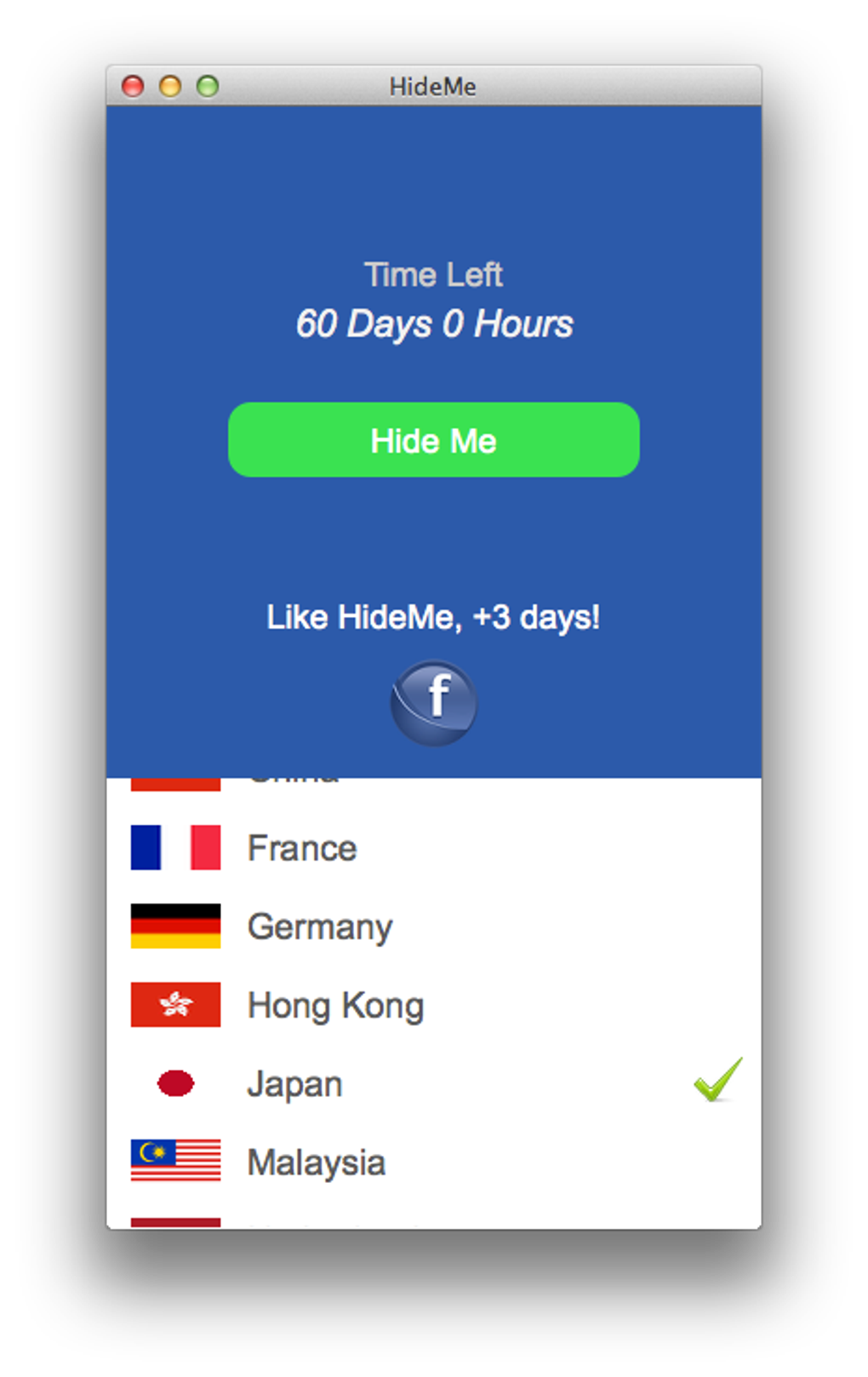
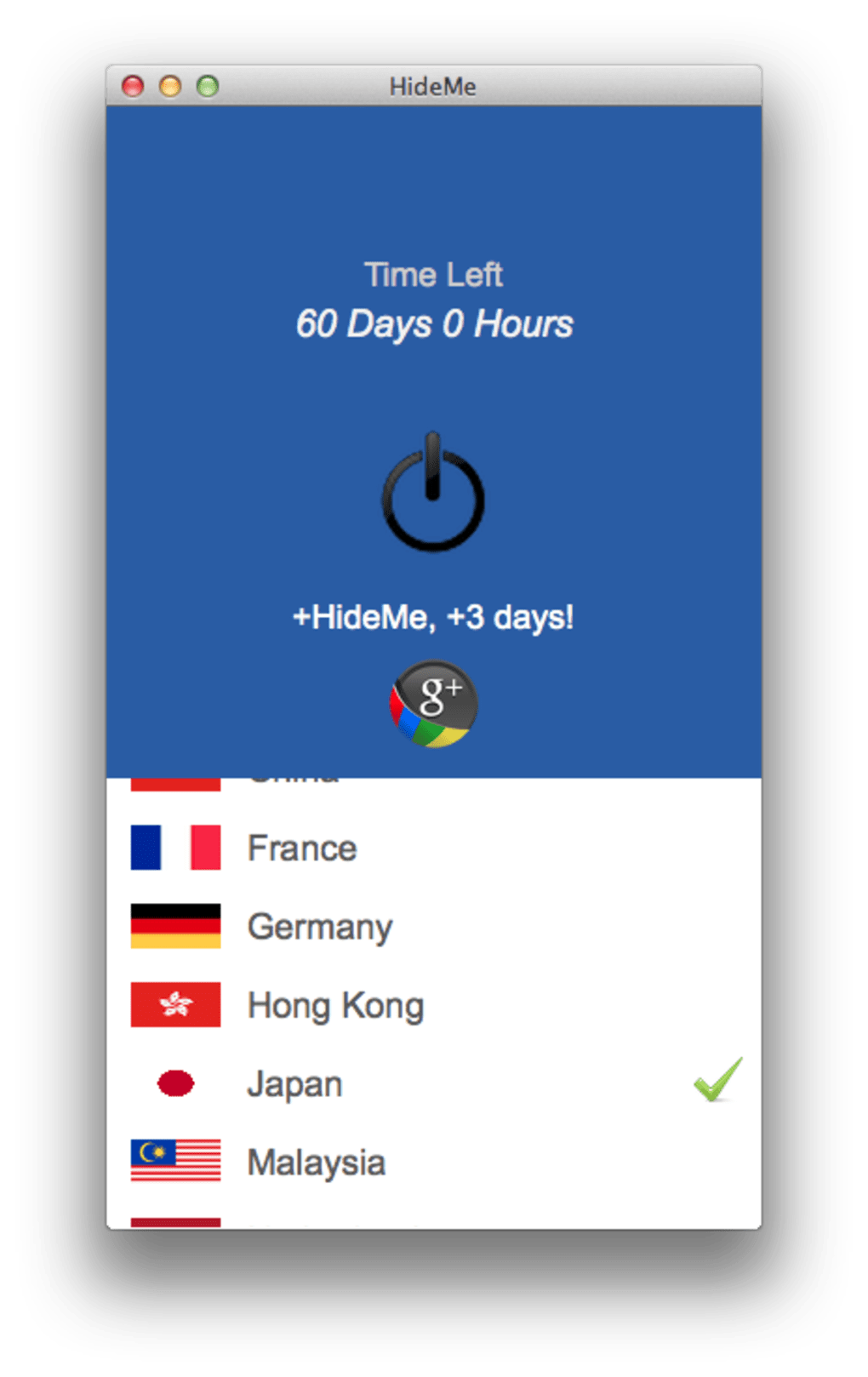
The main dashboard displays a map of server locations across North America, Europe, Asia, and Oceania. Click a country to view its available cities, then select the server that best matches your latency or streaming needs. Premium users enjoy “Smart Connect,” which automatically picks the fastest server based on real‑time performance metrics.
Step 5: Connect and Verify
Hit the large “Connect” button. Within seconds the app establishes an encrypted tunnel and shows your new public IP address. Verify the connection by visiting a “what is my IP” site; it should reflect the server’s location, not yours. The app also displays a real‑time speed test, allowing you to gauge any impact on latency.
Step 6: Advanced Settings (Optional)
For power users, the Settings tab offers protocol selection, DNS configuration, split tunneling, and the dynamic port forwarding module. Enable the kill switch to ensure no traffic leaks if the VPN drops. Adjust the auto‑connect feature to start the VPN whenever you join an unsecured Wi‑Fi network.
Overall, the installation process is straightforward, and the UI is clean enough that even non‑technical users can get protected within minutes.
Compatibility, Performance & Real‑World Pros/Cons
Supported Operating Systems
HideMe VPN Pro runs on macOS 10.12+, Windows 7–11, iOS 12+, Android 6.0+, and also offers Linux command‑line support for advanced users.
Performance Overview
Because HideMe provides a network of over 1,200 servers in 70+ countries, average download speeds on premium plans range from 80 Mbps on US East Coast servers to 150 Mbps on European backbone nodes. The free tier accesses a shared pool, which can result in slightly lower speeds during peak hours, but still remains sufficient for basic browsing and email. Latency tests show sub‑30 ms ping to major streaming hubs, making the service viable for 4K video streaming and online gaming. The dynamic port forwarding feature reduces the chance of packet loss when using P2P applications, and the built‑in DNS leak protection ensures that all DNS queries stay inside the encrypted tunnel.
Pros
- Zero‑log policy guarantees privacy.
- Supports up to five devices per subscription – great for families.
- Multiple protocol options allow fine‑tuning between speed and security.
- Dynamic port forwarding adds an extra layer of protection for P2P traffic.
- Dedicated streaming servers bypass geo‑blocks reliably.
- Free tier offers unlimited bandwidth for casual users.
- Responsive 24/7 support and active community forum.
Cons
- Free version lacks access to premium server locations and fastest protocols.
- Android app UI could be more intuitive for first‑time VPN users.
- Occasional server congestion in less‑popular regions during peak times.
- No built‑in ad blocker, requiring a separate extension for ad‑heavy browsing.
- Advanced settings (port forwarding, split tunneling) may be overwhelming for beginners.
Frequently Asked Questions
Is HideMe VPN Pro really free?
HideMe offers a free tier that provides unlimited bandwidth, basic encryption, and access to a shared pool of servers. However, premium features—such as dedicated streaming servers, fastest protocols, and the ability to protect up to five devices—require a paid subscription.
Does HideMe keep any logs of my activity?
No. HideMe follows a strict zero‑log policy. It does not store connection timestamps, IP addresses, browsing history, or any data that could identify you.
Which VPN protocols are available on macOS?
On macOS you can choose from PPTP, L2TP/IPsec, SSTP, OpenVPN (UDP/TCP), and IKEv2. The app automatically selects the optimal protocol based on your network conditions, but you can manually switch in the Settings menu.
Can I use HideMe VPN while gaming?
Yes. HideMe’s low‑latency servers and dynamic port forwarding make it suitable for online gaming. The kill switch ensures you won’t be exposed if the VPN drops mid‑match.
How does the dynamic port forwarding work?
Dynamic port forwarding randomly changes the outward‑facing port numbers for your connections, making it harder for external scanners to map your open ports. This adds an extra layer of obfuscation for P2P and torrent traffic.
Conclusion & Call to Action
HideMe VPN Pro strikes a solid balance between privacy, performance, and price. Its zero‑log guarantee and robust encryption make it a trustworthy choice for anyone serious about protecting their digital footprint. The ability to secure up to five devices under a single subscription is especially appealing for families or small teams. While the free tier is generous, power users will quickly see the value in the premium plan’s faster servers, dedicated streaming nodes, and advanced features like split tunneling and dynamic port forwarding. If you’re looking for a VPN that’s easy to set up on macOS, Windows, Android, or iOS, and you want a service that respects your anonymity, HideMe VPN Pro is worth a try.
Ready to browse securely? Download HideMe VPN Pro now and enjoy a 30‑day money‑back guarantee on any paid plan. Protect your online life with a click.







